{{ 'fb_in_app_browser_popup.desc' | translate }} {{ 'fb_in_app_browser_popup.copy_link' | translate }}

{{ 'in_app_browser_popup.desc' | translate }}

MENU CART {{currentCart.getItemCount()}}
The maximum number of items is 100, please adjust the quantity and purchase again
 
Print File Preparation Guide


Preparing file for RETRO printing is a bit different from standard commercial printing!

However, the overall system is actually very simple.

Once you get the hang of it, setting up your files will become second nature!


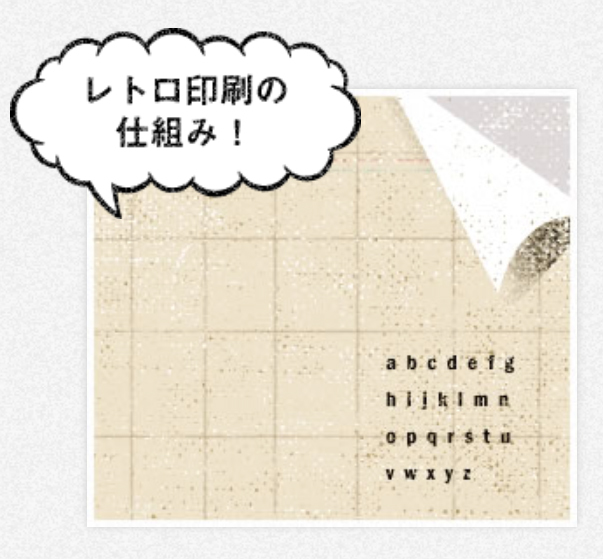
Basic File Preparation Instructions


Unlike standard offset printing, RETRO printing follows a unique file setup process.

Here, we cover the essentials of artwork preparation, including how to separate color layers and select your printing inks.


More Information →

※點擊圖片有相關說明※


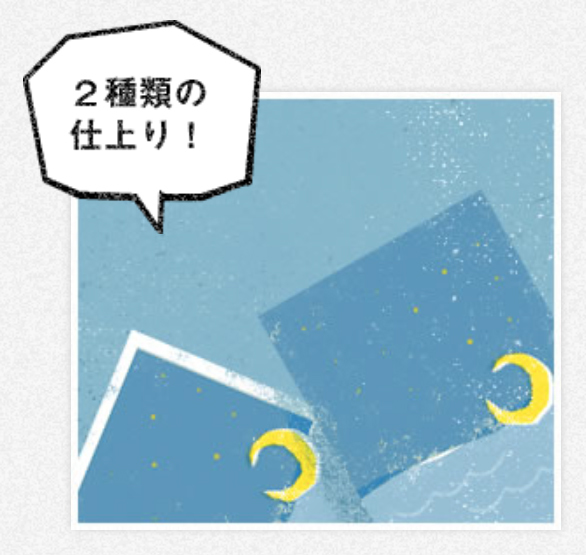
Print Formats


We offer two primary print formats:

  • Full-Bleed Printing (F-Format): Features custom trim lines and precise edge-to-edge trimming to your specified final size.

  • Non-Bleed Printing (A-Format): Leaves a clean white border along all four edges of the sheet.

    • Lightweight Stock: 5 mm unprinted white border.

    • Heavyweight Stock: 10 mm unprinted white border.

File preparation steps vary depending on the format you select.


More Information →

※點擊圖片有相關說明※


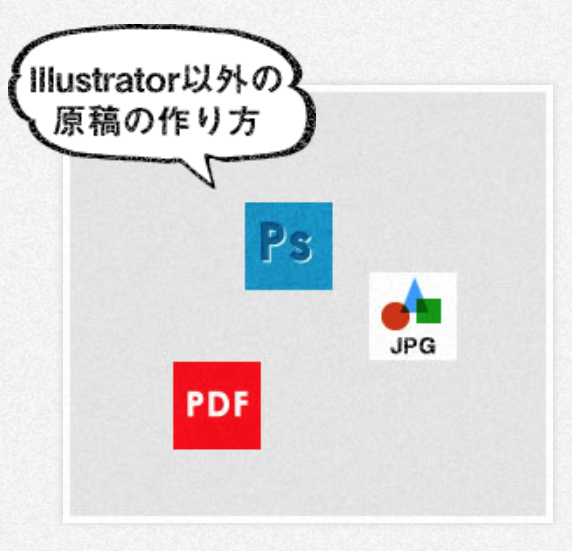
Accepted File Formats


While vector Illustrator (.ai) files are standard for RETRO printing, we also accept raster Photoshop files (.psd), high-resolution JPEG (.jpg), or PDF (.pdf) formats.

Below is an overview of how to prepare each file type.


More Information →

※點擊圖片有相關說明※


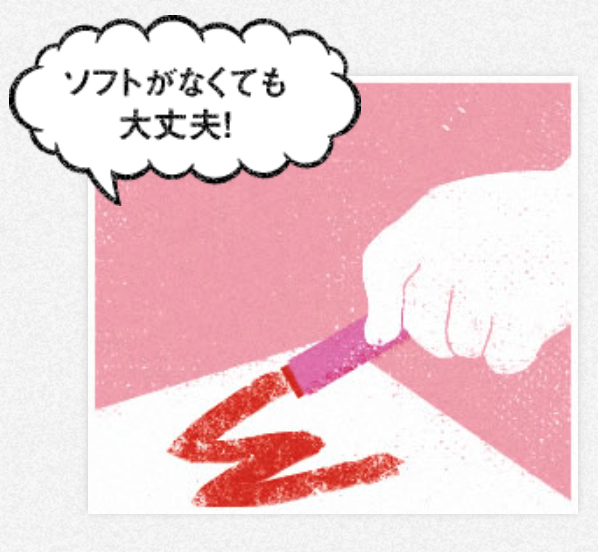
Physical Paper Manuscript Submission


Creators who are unfamiliar with design software don't need to worry—direct hand-drawn paper submissions are completely welcome!

However, there are a few important guidelines to keep in mind when preparing physical artwork.


More Information →

※點擊圖片有相關說明※


Pre-Flight Submission Checklist


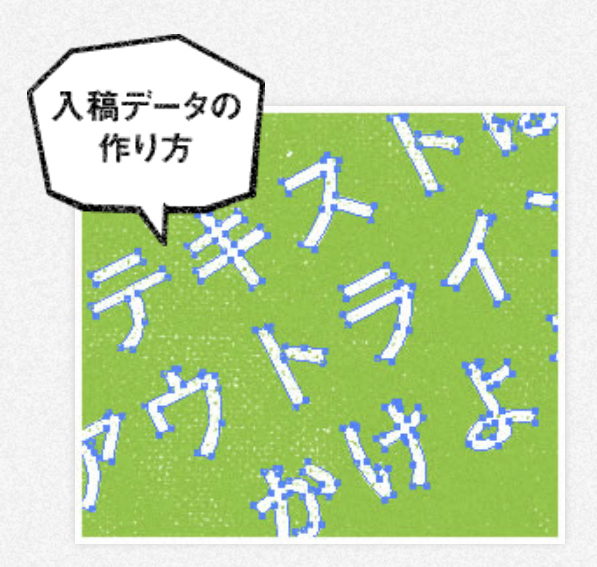
Before submitting your files, please review these key details to ensure a smooth printing process. (e.g. Convert Text to Outlines, Embed All Images)


More Information →

※點擊圖片有相關說明※